
Hey there, fellow e-bike enthusiasts! Today, I’ve got something special for you. We’re going to delve into the settings of the SW900 controller, which comes with the Volamart 48-volt rear wheel 1000-watt kits. Join me as we unlock the potential of this powerful controller and optimize your riding experience.
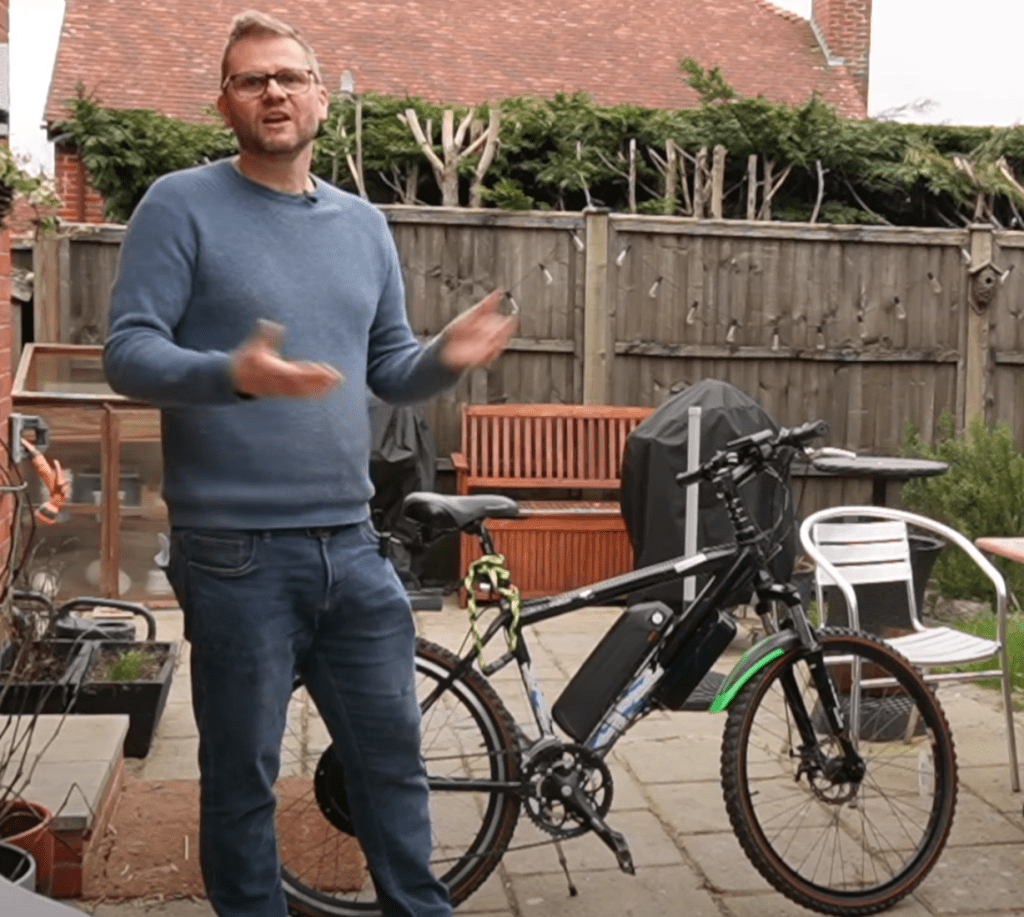
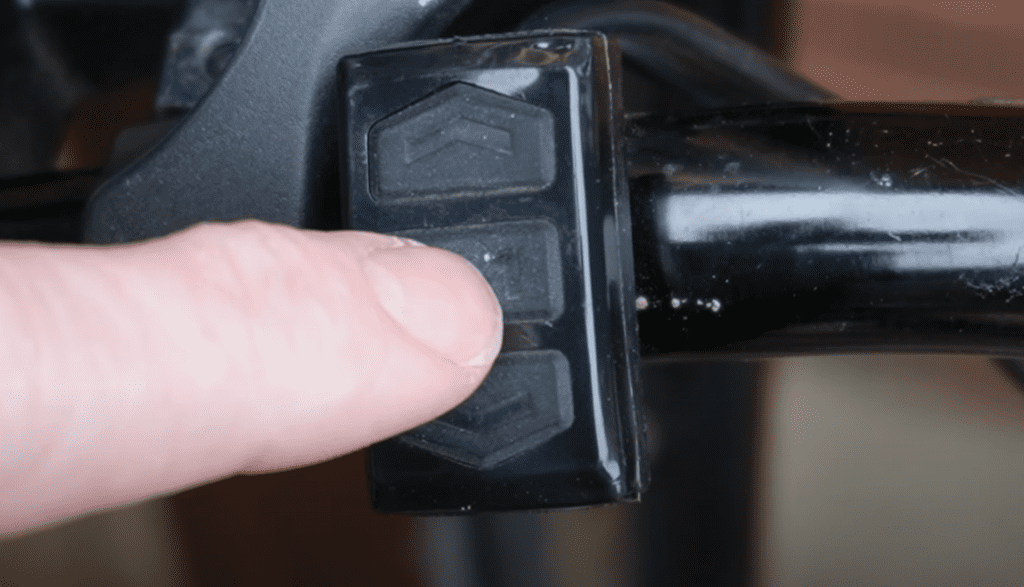
Pedal Assistance: Let’s start with the basics. To adjust pedal assistance, simply hold down the M button on the separate controller and use the arrow buttons to increase or decrease assistance levels. I’ve found that setting it to five percent works well for me, but feel free to adjust it to your preference.
Light Control: Need to illuminate your path? A long press on the up button activates the light. Another press toggles it off. Simple, yet essential for nighttime rides.
Trip Odometer and Walking Mode: Pushing the M button switches between trip and main odometers. Holding down the bottom button engages walking mode, allowing the bike to move at a leisurely pace. Another long press deactivates it.
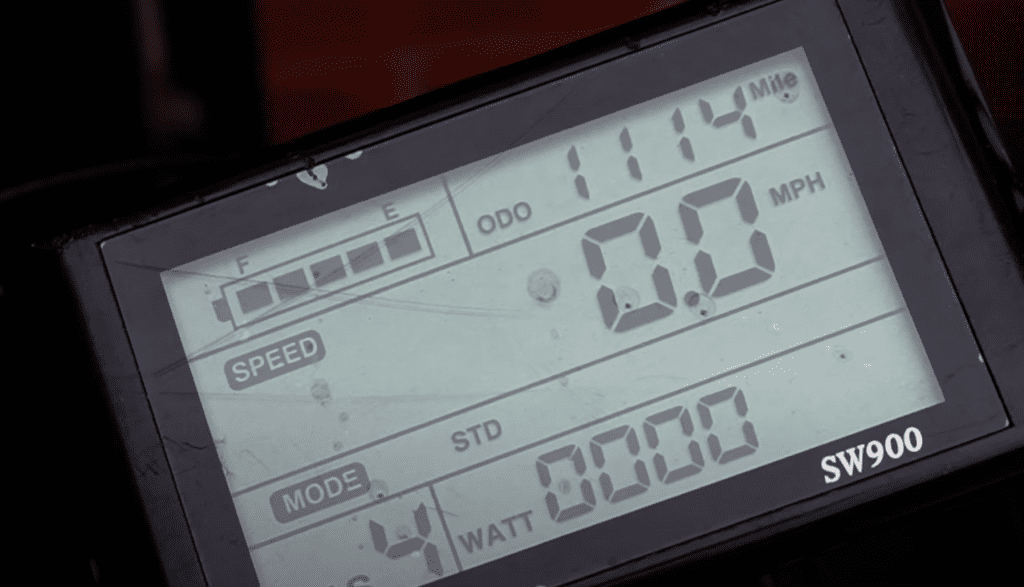
Program Mode: Now, let’s dive into the program mode, where the real magic happens. Pressing Up and Down together puts you into program mode, allowing you to customize various settings to your liking.
Background Luminance: Want to adjust screen brightness? Setting one controls background luminance. Increase it for a brighter display or decrease it for nighttime riding comfort.
Unit of Mileage: Setting two determines the unit of mileage. Set it to zero for kilometers per hour or keep it at two for miles per hour.
Sleep Time: Setting three dictates the sleep time of the controller. Set it to zero for no sleep mode or choose from various options for automatic shutdown after a specified time of inactivity.
PAS Grade and Wheel Size: Settings four and five adjust the PAS grade and wheel size, respectively. Customize these to match your bike setup for optimal performance.
Speed Limit and Zero Start: Setting six allows you to set a speed limit for your e-bike. Additionally, zero start mode determines whether the bike starts from a standstill with or without throttle assistance.
Driving Mode and Pedal Assist Sensitivity: Settings seven and eight control driving mode and pedal assist sensitivity. Choose between pedal assist, throttle, or a combination of both, and adjust sensitivity to your preference.
Start Strength and Magnet Types: Settings nine and ten determine start strength and magnet types. Fine-tune these settings to achieve smooth and responsive acceleration.
Current Limiting Controller: Finally, setting eleven adjusts the current limiting controller, allowing you to optimize power output based on your riding needs.
Wrap Up: And there you have it! A comprehensive guide to the SW900 controller settings for your e-bike. I hope you found this information helpful in unleashing the full potential of your ride. If you enjoyed this video, don’t forget to give it a thumbs up, subscribe to my channel, and hit the notification bell for more e-bike tips and tutorials. Until next time, ride safe and enjoy the journey!