
Are you looking to configure the screen that goes with the Tongsheng TSD Z2 mid-drive motor unit? If so, you’ve come to the right place! In this article, we’ll be going through the step-by-step process of configuring the VLCD5 screen that comes with this electric bike conversion kit.
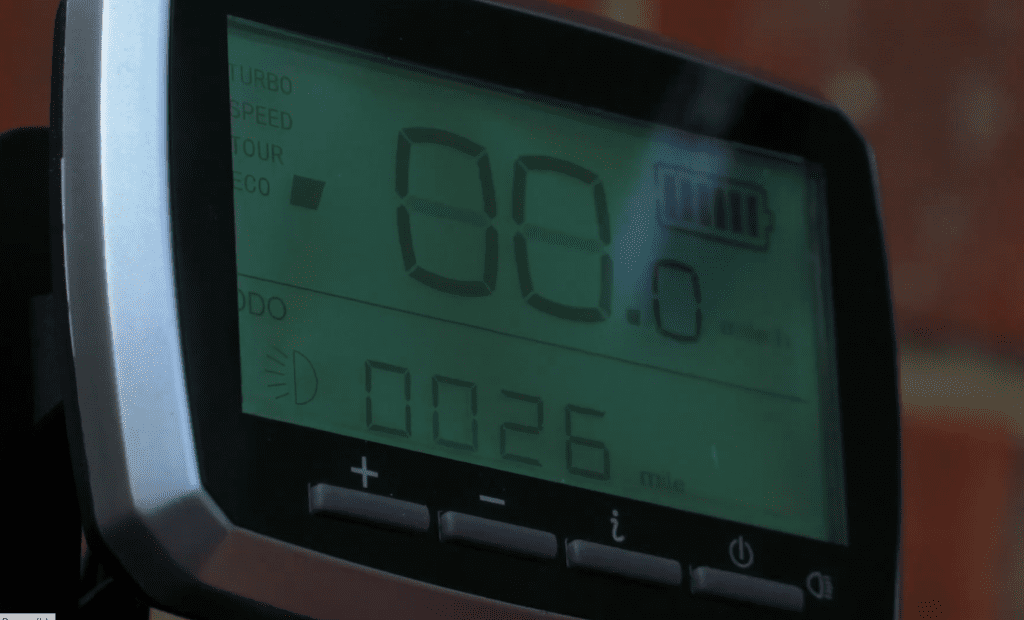
What this screen is
First, it’s important to note that the screen is a VLCD5, although there is no mention of this on the screen itself and no instructions were provided with the kit. However, with a bit of detective work, we’ve figured it out and are here to share our findings with you.
Setup Mode
To turn on the screen, simply press the button located on the right hand side. This button will also turn on the light, if desired. To enter setup mode, hold down the ‘i’ and power buttons together for three seconds. Then you press the ‘i’ button a further four times. This will bring you to the setup screen.
From here, you can adjust several settings to customize your electric bike experience. First, you’ll need to set the diameter of your wheel, which can be done by using the plus and minus buttons and confirming with the i button. You can also choose between miles per hour or kilometers per hour, with miles being the preferred choice for those in the UK.
Additionally, you can adjust the assistance level while walking, turn on or off the speed limit of 25 miles per hour, and control the power that goes into the motor. You’ll also have access to your trip and average speed, as well as your current time.
Reset Odometer
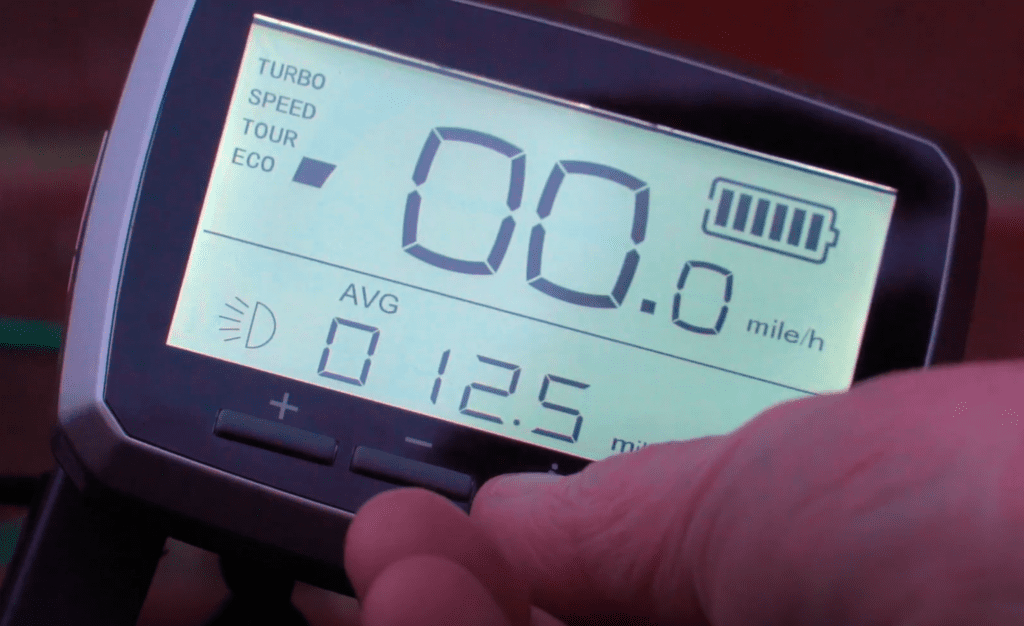
By using the three buttons located on the bottom left of the screen, you can reset your odometer to zero and control what information you’re currently viewing. This includes your odometer, trip, average speed, and time.
In conclusion, we hope that this article has been helpful in guiding you through the process of configuring your Tongsheng TSD Z2 mid-drive motor unit screen. If you found this information useful, don’t forget to give us a thumbs up, subscribe, and turn on notifications so you’ll be notified when more videos like this are uploaded. Thank you for watching, and see you on the next one!
